
AndroidApp
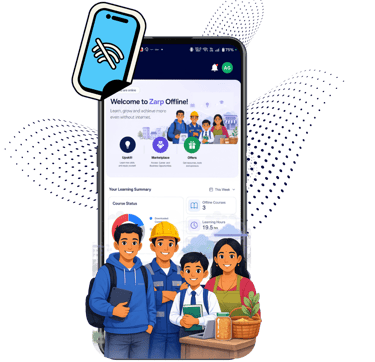
2. Open the app file once it has downloaded. You may see an announcement at the bottom of your screen, or you might have to open your Files app.
3. Once you open the app, Android will request permission to install it. Click "install" and you're good to go!
Instructions
1. Accept the download and wait for it to finish.



Zarp Labs R&D Pvt. Ltd.
Helping businesses thrive with cutting-edge technology and expert support.
Support
Growth
© 2026. All rights reserved.